Our BPM software, Aeneis, helps you document all changes clearly and transparently. This ensures that you and your team members always stay on top of new versions.
For effective process management, it is essential that all employees are informed about the various working versions of objects. Our BPM software, Aeneis, is designed to support you and make teamwork easier. To achieve this, Aeneis provides intuitive tools for creating different versions of an object. In this article, we will guide you step-by-step through version creation in Aeneis and highlight the unique benefits of our software.
Step 1: Versioning an object and initiating the approval process
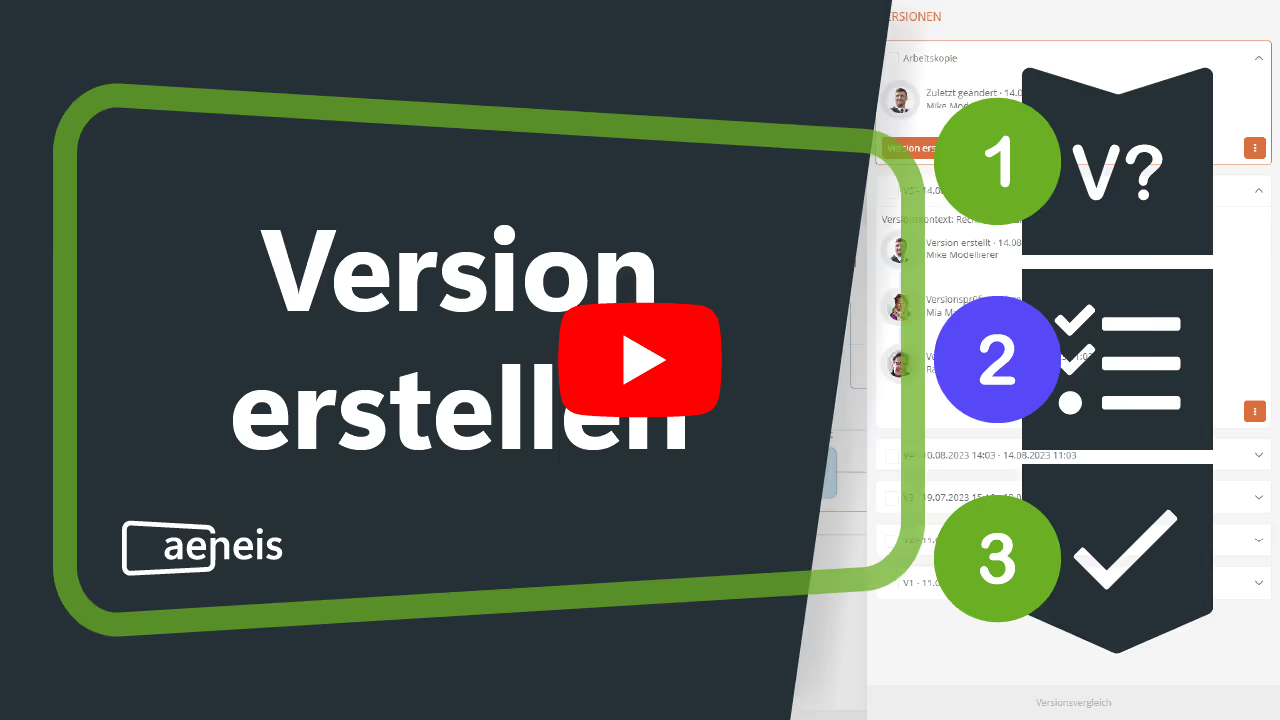
Now that we have already introduced you to the basics of versioning in our BPM software, Aeneis, we would like to look at how you can create versions in three steps.
In Aeneis, it’s a breeze. Simply select the desired object, open the context menu, and choose “Create version.”

In the subsequent dialog box, you can define all relevant details for the version:
- Reviewer
- Approver
- Revision dates
- Version comment (optional)
If this data is already stored in the process, Aeneis will automatically fill in some of these fields for you. This saves you time and allows you to focus on the important steps.

The task is then automatically assigned to the selected reviewers. This allows our BPM software to handle key steps for you, ensuring that all tasks are promptly forwarded to the right people.
More information on creating versions in Aeneiscan also be found in our online help.
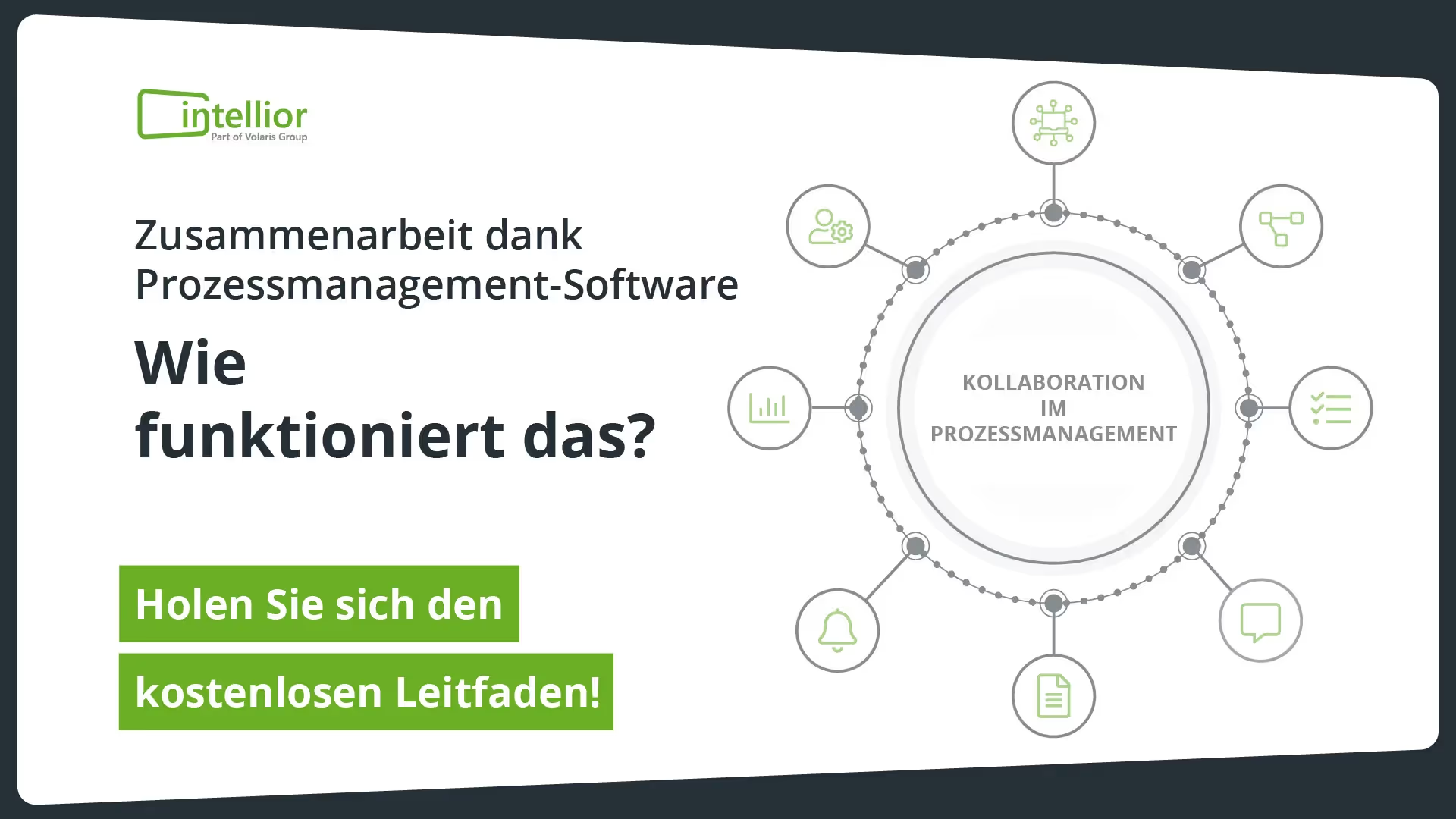
Simplify collaboration within your team with Aeneis!
Coordination in large organizations is often complex. Processes become confusing, feedback gets overlooked, and important tasks fall through the cracks. Our guide shows you how to solve these exact challenges and sustainably simplify collaboration within your team.
Step 2: Review the version in Aeneis and prepare it for final approval
As soon as the version is created, the designated reviewers are notified immediately and can begin their work. Here, too, our BPM software ensures a smooth process without delays.

Once the review is successful, reviewers can forward the version for approval. Aeneis also offers you the practical option of adding other employees who need to be informed in the dialog box. These individuals will then receive a notification and can confirm that they have acknowledged the version.
To save you time and effort, pre-existing data is automatically pre-filled here. Additionally, a detailed review result can be entered.

This keeps all team members up to date.
Step 3: Approve the version and complete the approval process
After the review, only one step remains: approval. Here, too, our Aeneis BPM suite provides all the tools you need to make this process simple and transparent.

In the dialog, you can add an approval comment if needed to keep your team members informed.
If no employees were added to acknowledge the version during the review, you can do so here or add additional members.
Once you click “Approve version,” your new version will be officially released.

The final release also notifies all authorized employees. They can now view the released version. It is also possible to continue editing the object in its working copy.
To keep the view clear, released versions are always highlighted in green in the object header. And to ensure no information or steps are lost, the entire history can be viewed in the versioning section. This allows all team members to stay on top of things at all times.
In practice: Create your own versions in our free Aeneis trial
Versioning objects in our BPM software, Aeneis, revolutionizes the way teams collaborate. Our configuration not only enables efficient work but also ensures clear, transparent documentation of all changes. We want to support you in managing your projects more effectively.
In the 30-day trial of our BPM suite, you are welcome to experience and test this feature for yourself.
FAQs
How can different versions of processes or documents be managed efficiently?
With the Aeneis BPM software, versions of a wide variety of objects can be easily created, reviewed, and released. Those responsible are notified automatically, and all changes remain fully documented for maximum transparency and traceability.
How can approval and review processes be digitized?
Digital tools like Aeneis automate the entire workflow: reviewers and approvers are assigned, tasks are distributed automatically, and status changes are displayed in real time. This keeps review and approval processes clearly structured and efficient.
How do teams keep track when dealing with multiple versions of processes and documents?
In Aeneis, every approved version is clearly marked, and the complete version history can be viewed at any time. This ensures teams always know which version is current and which changes have already been implemented.
How can software help prevent errors and loss of information?
Through automated workflows and centralized documentation, the BPM software Aeneis prevents tasks from being overlooked or incorrect versions from being used. All editing and approval steps are saved in a traceable manner.
How can companies securely document and track changes?
The process management software Aeneis offers audit-proof versioning, where every change is automatically recorded with a timestamp and the person responsible. This ensures the history of every process or document remains fully traceable at all times.