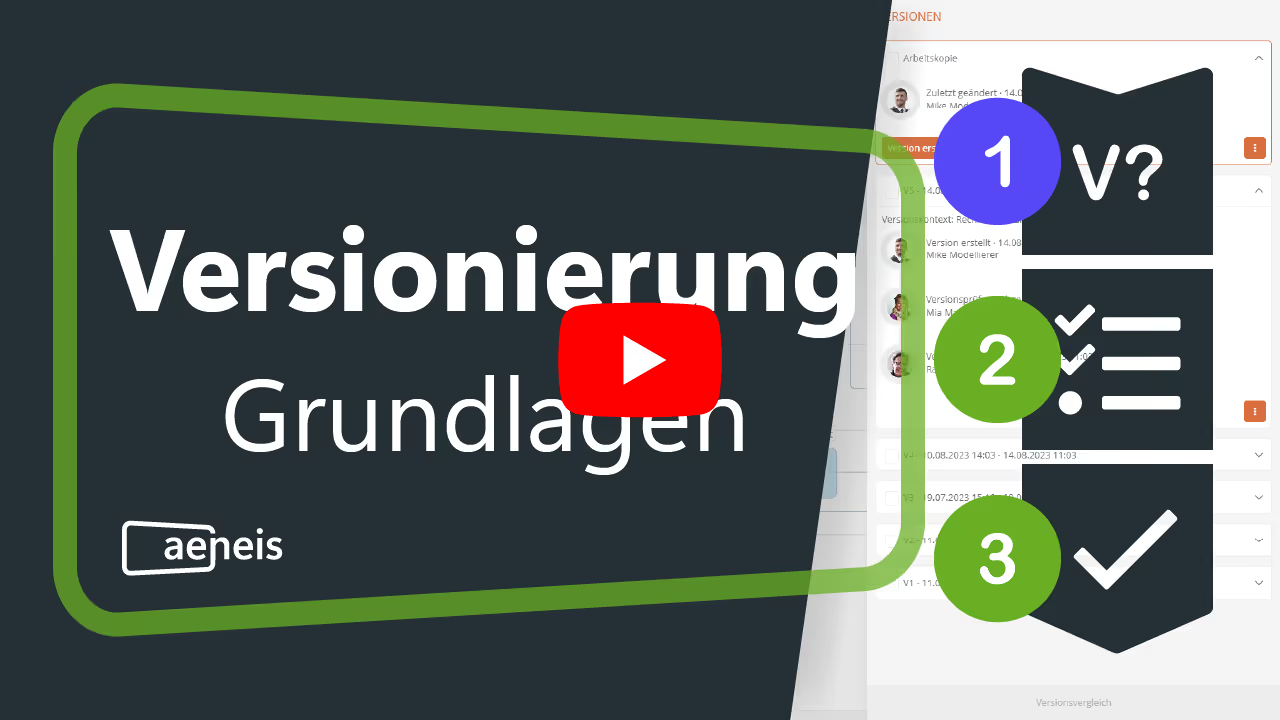
We have developed an intuitive way to save different work stages in our BPM suite, Aeneis. With our easy-to-use object versioning, we improve and simplify collaboration within your team.
To collaborate effectively as a team, it is important to document all activities on shared objects. This allows all employees to keep track of the current status at all times. To ensure you can always access and compare different work stages in our BPM tool Aeneis, we have placed special emphasis on versioning during development. This means you can track changes made from one version to the next, fostering better collaboration through improved traceability.
The working copy: Your draft of an object in Aeneis
Our goal is to enable you to save and easily compare different work stages. A lack of versioning can lead to the loss of important information. Therefore, older versions of an object should not simply be overwritten.
With versioning, this won't happen to you. You can return to any previous version, minimizing the risk of data loss.
By default, objects in our BPM tool Aeneis are always saved as a working copy. These working copies are objects you are currently editing that are not yet visible to all employees. A quick look at the header of the object view will tell you if it is a working copy.

A working copy shows the current status of an object that can be edited. An object always has exactly one working copy.
To help you keep track of all versions of your objects, you can view them from the following three perspectives:
- Working copy
- released
- Date view
How to use the different views in the portal, you can find out here. We also provide a detailed explanation of how to create versions in Aeneis.
The released version
When working together as a team, it is essential to have access to the same version of a project or document.
Once an object has been created or edited, you can make it visible to all employees. To do this, a version of the object is created. These versions cannot be changed.
A version displays the object in a state that has been frozen and released for everyone.
A helpful color-coding system provides information about which version of an object you are looking at. To ensure this is clear at a glance, we have implemented the following traffic light color scheme for the various versions in our BPM tool, Aeneis:
- Green: latest version of the object
- Red: older version of the object
- Yellow: working copy
Versioning helps your teams make decisions faster in the long run. Thanks to versioning, long discussions about which version is the most current or relevant are no longer necessary. Instead, team members can simply access the history and view the development progress.
How to start versioning an object
Versioning for an object is initiated by triggering an approval workflow. The versioning process is complete as soon as the version has passed through the approval workflow and has been released. In this way, any number of versions of an object can be released and created. But what exactly are the steps in the standard approval workflow?
Object in an active approval process
By allowing all team members to track changes and adjustments, responsibilities and contributions to an object are clearly defined. This prevents misunderstandings and fosters trust within the team.
Before a new version of an object exists, it must go through an approval process. If an object is currently undergoing this process, all contributors will see a corresponding notice in the top left of the object's header. This indicates that the object cannot be edited at this time.

This way, all employees are automatically informed about the current status of an object, preventing misunderstandings or duplicate work.
The standard approval workflow in our BPM software, Aeneis
Our BPM software, Aeneis, comes with a standard approval workflow out of the box. You can use this workflow to version objects and release them so they are visible to all authorized users. You don't have to go to the trouble of defining your own approval workflow unless you want to.
Employees can work together on the approval of objects and be involved in the individual steps. Every team member can view the current status of an object at any time.
If you would like to use our Standard approval workflow If you would like to learn more, we recommend taking a look at our online help.
Advanced approval workflows in our BPM software Aeneis
We understand that many objects require a specialized workflow. For this reason, you have the option to extend the standard approval workflow or configure a completely custom workflow using the Advanced Approval Workflow (EFWF). More information on the Configuration of the Advanced Approval Workflow can be found in our online help.
Flexible version view: Always the right perspective
The intuitive menu bar in our BPM software Aeneis allows you to quickly switch between the working copy and the released version. This gives you full control, allowing you to choose which content you want to display throughout the portal.

Here you can change the view for all portal content.
Experience versioning in Aeneis in practice
Efficient and clear versioning is essential for managing processes as a team and ensuring changes are easily traceable. In our BPM software Aeneis, we facilitate this through a clear and intuitively designed configuration. This allows all employees to collaborate on object approvals, ultimately optimizing teamwork. Being able to save and compare different work statuses is vital for any successful company.
To help you experience versioning in our BPM tool Aeneis in practice, we offer a free 30-day trial . Take the step toward efficient process management with our software.

FAQs
How can version management for processes and documents be clearly structured?
In the Aeneis process management software, versions are created via a guided approval workflow: changes are made by selecting "Create version," review and approval steps are predefined, and all activities are logged to ensure transparent, collaborative versioning.
What is the difference between a working copy and a released version?
In Aeneis, the working copy is the editable draft (not visible to everyone). A released version is "frozen," unchangeable, and visible to authorized users. A traffic light color scheme (yellow = working copy, green = latest released version, red = older version) makes the status immediately recognizable.
Why is clear versioning of processes and other data important for teamwork?
Without versioning, there is a risk that data will be overwritten or information lost. With Aeneis, you ensure that every change remains traceable, responsibilities are clear, and all team members are always working from the same page.
How do employees keep track of many changes to processes and documents?
In the Aeneis BPM suite, all versions are color-coded (e.g., green for released versions, yellow for working copies) and sorted chronologically. This allows teams to see at a glance which version is current and what previous working states exist.
How can approval processes be managed digitally?
With digital tools like Aeneis, approval processes can be automatically initiated, tracked, and completed. The standard workflow is ready to use immediately but can also be customized, including roles, responsibilities, and notifications.
How can software help avoid errors and duplicate work?
Through automatic locks during the approval process and transparent status indicators, the Aeneis process management software ensures that no one accidentally works on the same object at the same time. This minimizes errors and facilitates collaboration.
How flexibly can versions be viewed in modern BPM systems?
With Aeneis, users can switch between working copies, released versions, and date-based views at any time. This ensures they always maintain an overview, even with complex processes and extensive documentation.